GitHub
Connect your GitHub account to use repositories as project sources
GitHub Integration
Connect your GitHub account to CtxSync so you can add repositories as project sources. Once connected, your AI assistant can read and understand your entire codebase.
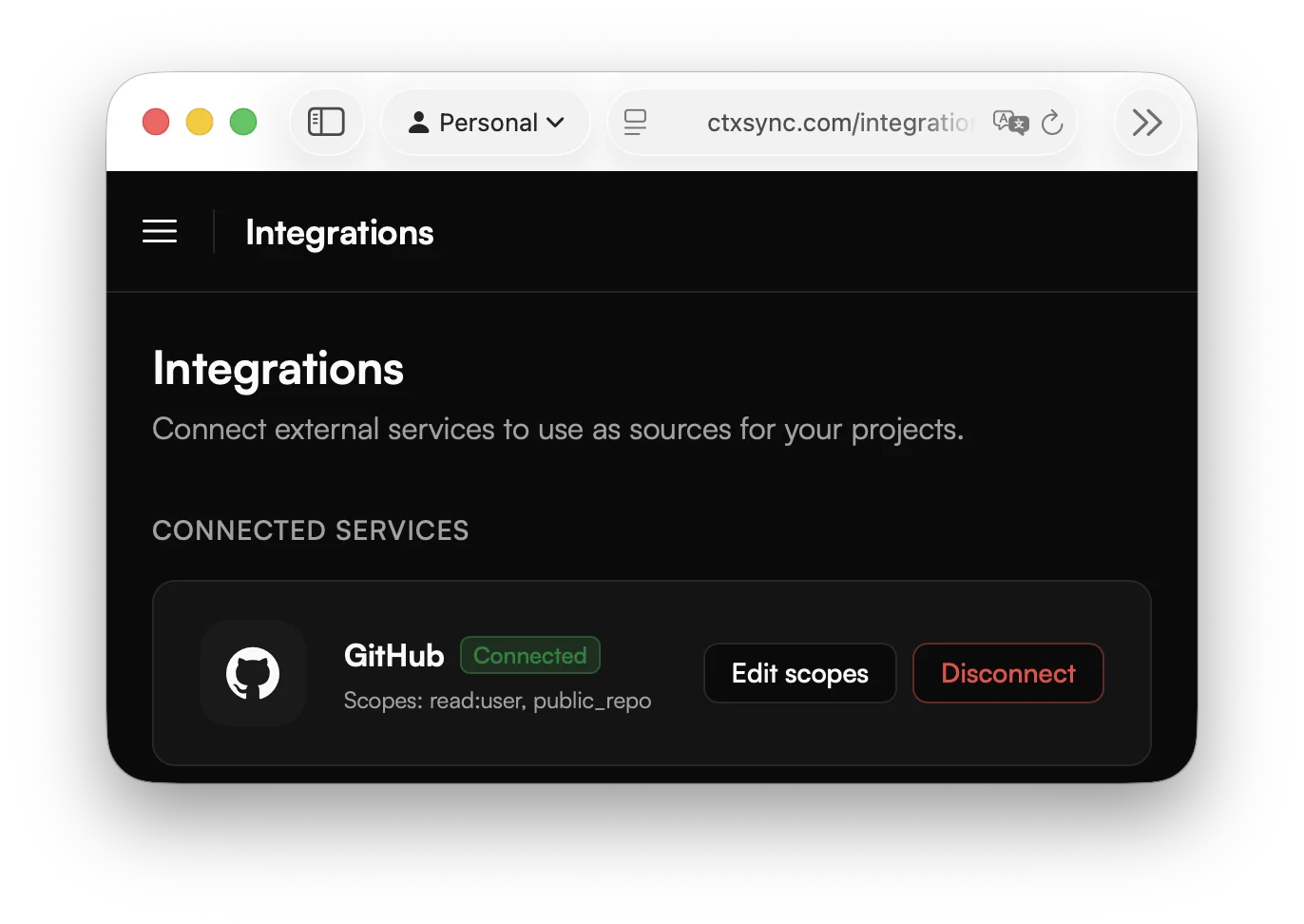
Connecting your account
- Go to Integrations in the sidebar.
- Click Connect next to GitHub.
- You’ll be redirected to GitHub to authorize CtxSync.
- Review the permissions and click Authorize.
Once authorized, you can add GitHub repositories as sources in any of your projects.
Permissions
By default, CtxSync requests access to your public repositories. If you need to access private repositories, you’ll be prompted to grant the additional repo scope during authorization.
CtxSync only needs read access — it clones your repository but never pushes changes.
Using repositories as sources
After connecting GitHub:
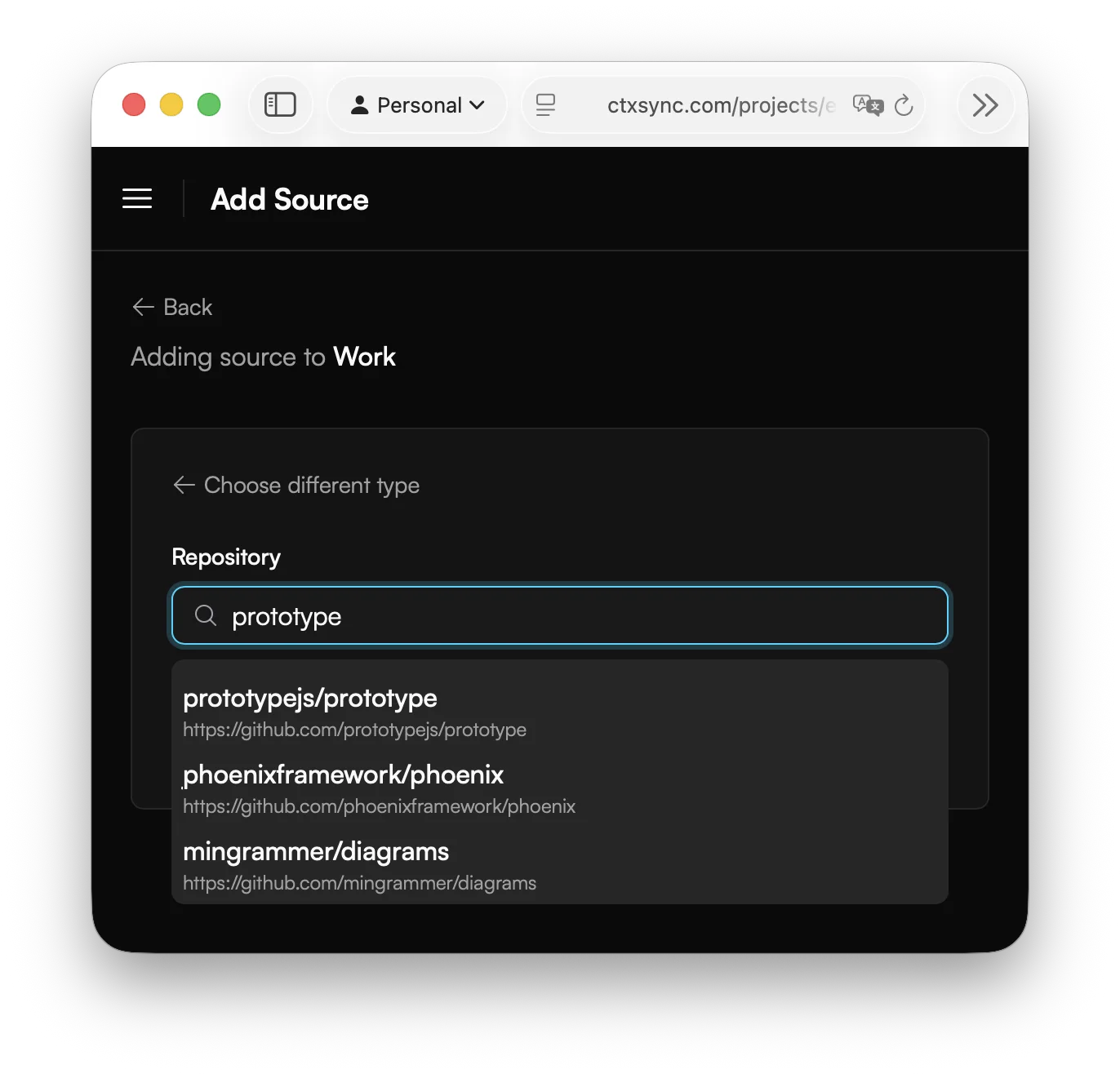
- Open a project and click Add Source.
- Select GitHub as the source type.
- Pick a repository from the list.
The full repository (default branch) is cloned into your project’s isolated container. To pull the latest changes, sync the source again.
Troubleshooting
Repository not showing up?
- Make sure you’ve granted CtxSync access to the organization that owns the repository.
- The repository must not be empty.
- You need at least read access to the repository.
Need access to private repos?
- Disconnect and reconnect GitHub. You’ll be prompted to grant the additional scope.